Webflow or Framer Which is right for you?
Two great platforms, built for different jobs. Here’s how they compare, and how I’ll help you pick the right one.
Which platform do I recommend?
Both are excellent platforms. The right choice depends on your website, content and how your team plans to use it.
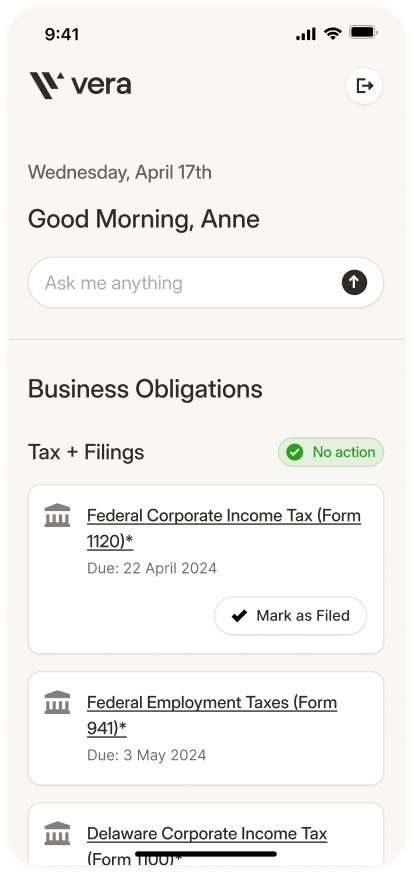
Choose Webflow when your site needs to grow.
Blogs, case studies and resources in structured collections your team can update without a developer.
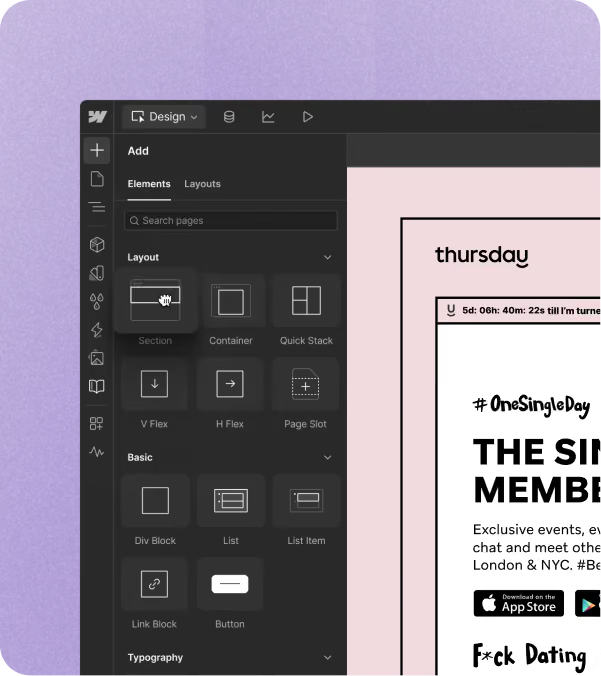
Site structures that stay organised as you add services, locations and landing pages.
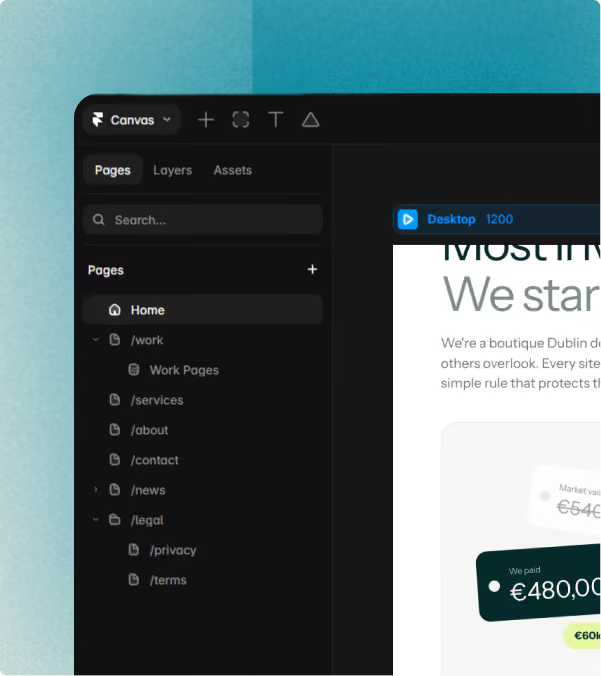
Your team edits content in the Editor, while the layouts stay protected in the Designer.
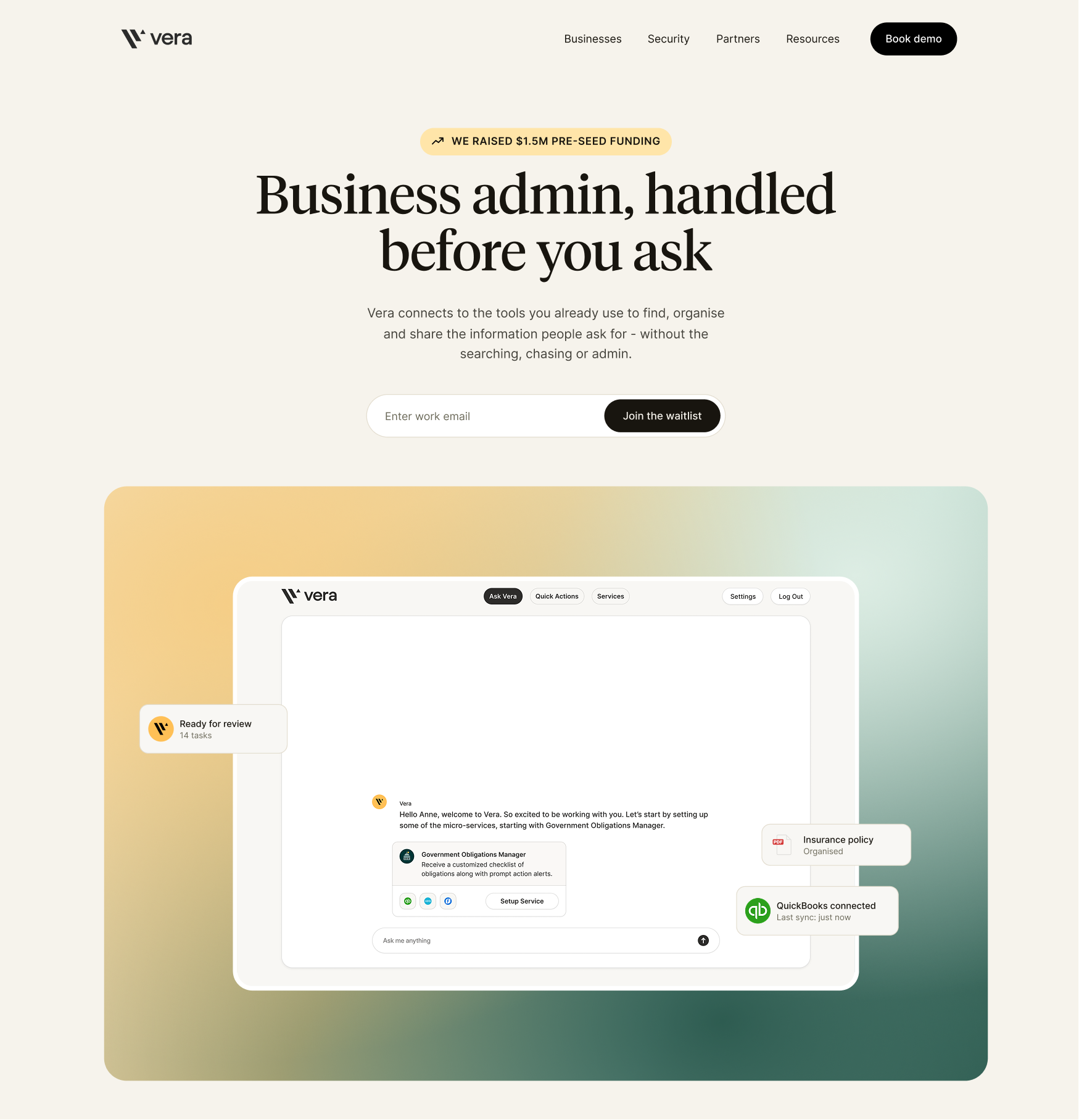
Choose Framer when speed matters most.
Get a startup or product launch live in weeks, without cutting corners.
A handful of polished pages that explain what you do and get people booking calls.
Smooth scroll effects and interactions built in, so the site feels as polished as your product.
Who it’s for
Webflow vs Framer
| Feature | Webflow | Framer |
|---|---|---|
| Content management | Large, structured CMS | Simpler content |
| SEO | Advanced controls | Solid basics |
| Design flexibility | Pixel-level control | Canvas-style freedom |
| Animations | Custom interactions | Built-in motion |
| Scalability | Large, growing sites | Lean marketing sites |
| Team collaboration | Marketing teams | Small, design-led teams |
| Speed to launch | Fast | Very fast |
| Multi-page sites | Larger site structures | Smaller marketing sites |
| Best suited for | Content-rich websites | Fast-moving launches |
Running costs
What it costs to run each month.
Both platforms bill the site plan and editor seats separately, on top of the one-off build. They bill in US dollars, so pound prices are approximate: converted November 2026, billed yearly, excluding VAT.
| Cost | Webflow | Framer |
|---|---|---|
| Site plan, no CMS | Basic: about £11/mo ($15) | — |
| Site plan with CMS | Premium: about £19/mo ($25), with 20,000 CMS items in 40 collections | Basic: about £7/mo ($10) with 2 collections, or Pro: about £22/mo ($30) with 10 collections |
| Someone editing content | Limited seat: about £11/mo ($15) | Content Editor: about £7/mo ($10) |
| Someone designing or building | Full seat: about £29/mo ($39) | Editor: about £15/mo ($20) |
| Reviewers and commenters | Free | Free |
| Extra languages | Localization from about £7/mo ($9) | About £15/mo ($20) per extra language |
| Example: small marketing site with a blog and one person updating it | About £30/mo ($25 + $15 = $40) | About £15/mo ($10 + $10 = $20) |
Webflow vs Framer FAQs
It depends on what you're building. Webflow is a great choice for content-heavy websites, complex CMS requirements and more advanced functionality. Framer is ideal for design-led websites, landing pages and interactive experiences. I'll help you choose the platform that best fits your goals, content and future plans.
Both Webflow and Framer have excellent SEO capabilities, including custom page titles, meta descriptions, redirects and clean URLs. Neither automatically ranks higher than the other. Good SEO comes down to your website's structure, content and optimisation, not just the platform you choose.
Both platforms make it easy to update content without coding. Framer's visual editor can feel more intuitive for teams who want to make quick changes, while Webflow offers powerful content management tools for larger, more structured websites. The best choice depends on how your team plans to manage the site.
Yes, but it's not a one-click process. Moving between Webflow and Framer usually means rebuilding the website in the new platform. Content and assets can often be reused, but layouts, animations and functionality will need to be recreated. That's why choosing the right platform from the start matters.
Absolutely. I design and develop websites in both Webflow and Framer, so you're not tied to one platform. I'll recommend whichever makes the most sense for your project, based on what you need now and where you want your website to go.
It can, but the biggest factors are the size and complexity of your website. Features, integrations, animations and content requirements all influence the cost. Webflow and Framer also have different hosting plans, which we'll consider when choosing the best option. You'll receive a clear quote before we get started.
Let’s find the right fit.
Whether that's Webflow or Framer, I'll help you choose the best platform for your project and bring it to life.